

Key Takeaways
Our Verdict
No single budgeting tool outperforms the others for every person. Paper ledgers build discipline through deliberate effort; spreadsheets reward those who want full control over their financial picture; and apps reduce friction for people who need automation to stay consistent. Your income pattern, tech comfort level, and personal accountability style matter more than which tool is most sophisticated.
| Best for | Recommended |
|---|---|
| Those who want to build deep awareness of spending habits | Paper ledger |
| Those who want full customization and already track spending manually | Spreadsheet |
| Those with busy schedules who need automated tracking and alerts | Budgeting app |
| Those with variable or irregular income | Spreadsheet or hybrid approach |
Why the Tool You Choose Matters
Most budgeting advice focuses on what to do-track your spending, follow the 50/30/20 rule, build an emergency fund. Less attention goes to how you actually record and monitor all of it. That gap matters, because even the smartest budgeting framework fails if the system tracking it feels too burdensome to maintain.
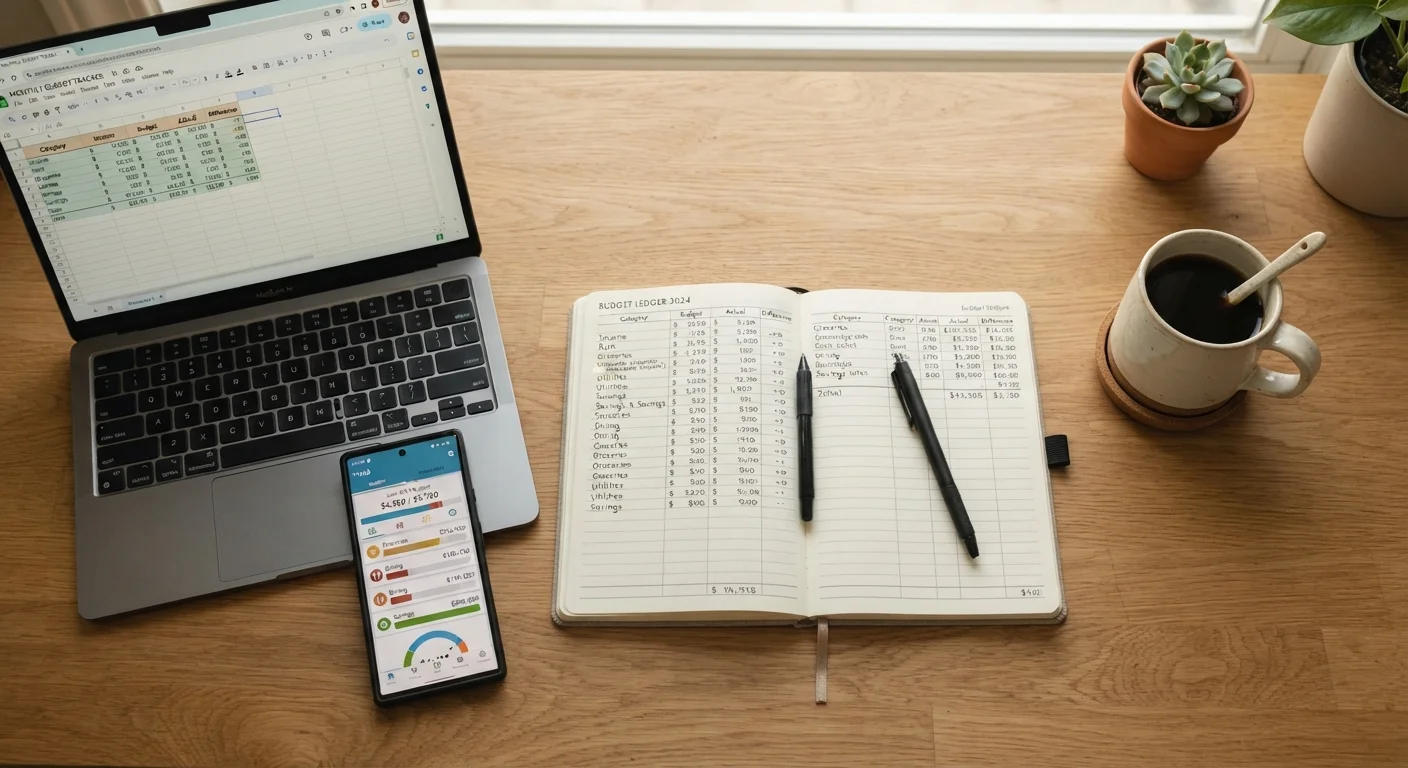
The three most common approaches are paper ledgers, spreadsheets, and dedicated budgeting apps. Each reflects a different relationship with money management-different levels of effort, privacy, automation, and insight. If you're starting fresh, see our step-by-step guide to building your first household budget before choosing a tool.
| Paper Ledger | Spreadsheet | Budgeting App | |
|---|---|---|---|
| Setup effort | Minimal - just a notebook | Moderate - requires building template | Low - guided onboarding |
| Ongoing effort | High - all entries manual | Medium - manual data entry | Low - auto-imports transactions |
| Customization | Full but unstructured | Maximum - any formula possible | Limited to app's design |
| Privacy | Highest - fully offline | High - stored locally | Lower - data on third-party servers |
| Cost | Near zero | Free to low-cost | Free to ~$15/month |
| Best for irregular income | Manageable with effort | Excellent - fully flexible | Often limited |
| Real-time alerts | None | None unless scripted | Yes - built-in notifications |
Paper Ledgers: Slow, Deliberate, and Surprisingly Effective
Writing down every transaction by hand sounds outdated, but research in behavioral psychology consistently finds that manual recording increases awareness of spending decisions. When you physically write a number, you're less likely to ignore it.
A paper ledger requires nothing more than a notebook and a pen. There's no login, no subscription, no connectivity required. For people who distrust app permissions or don't want financial data stored on third-party servers, paper is the most private option available.
The limitations are real, though. Tallying categories, calculating totals, and spotting trends takes time. A missed entry-a cash purchase, a forgotten subscription-can distort the whole picture. Paper also doesn't alert you when you're approaching a category limit; that awareness has to come from you.
Paper tends to work well for people early in their budgeting journey, those managing simpler finances, or anyone who finds digital tools distracting rather than helpful.
Try a One-Week Paper Trial First
Before committing to any digital tool, try logging every purchase by hand for just one week. Many people discover spending patterns they weren't aware of-and that awareness alone can shift habits. If you find paper too cumbersome after the trial, you'll choose a digital tool with much better insight into what you actually need it to do.
Spreadsheets: Flexible, Powerful, and Unforgiving
A well-built spreadsheet can replicate almost any budgeting framework-zero-based budgeting, envelope categories, income averaging for irregular earners. You control every formula, every category, every visual. For people with irregular or variable income, a spreadsheet's ability to model multiple income scenarios is a genuine advantage apps rarely match.
The trade-off is setup time and ongoing discipline. A spreadsheet doesn't pull in transactions automatically-you have to enter them, which is either a feature (mindfulness) or a bug (friction), depending on your personality. Formulas break. Versions get confusing. Without a clear template and consistent habits, the file can become harder to use than helpful.
Spreadsheets are best suited to people who are already comfortable with basic software, want total transparency into their financial logic, and don't mind a weekly data-entry session. Our monthly budget setup checklist pairs well with a spreadsheet workflow.
Budgeting Apps: Automated, Accessible, and Privacy-Aware
Budgeting apps can connect directly to bank and credit card accounts, categorize transactions automatically, and send real-time notifications when you're near a spending limit. For people with busy schedules or multiple accounts, that automation significantly lowers the barrier to staying on budget.
The main concerns are data privacy and reliability. Linking financial accounts to a third-party app means those credentials or account data pass through external servers. Reputable apps use bank-level encryption, but you're trusting a company with sensitive information. Apps also occasionally miscategorize transactions, and some charge monthly fees that add up over time.
Apps typically shine for people who value convenience, want visual dashboards, and need spending alerts to stay accountable. They tend to struggle for users who want deep customization or whose income doesn't fit neatly into regular paycheck patterns. For a broader perspective on tracking spending without feeling overwhelmed, different tools fit different lifestyles.
Choosing What Actually Works for You
The honest answer is that the most sophisticated tool is worthless if you abandon it in week two. Consistency matters more than precision. A budget reviewed weekly in a plain notebook beats a beautifully designed app you opened once.
A few questions worth asking before committing to a method: Do you prefer deliberate, manual processes or low-friction automation? How comfortable are you sharing financial data with a third party? Do you have one simple checking account or several accounts across banks and credit cards? Is your income consistent month to month, or does it fluctuate?
Many people find that a hybrid works well-an app handles daily transaction tracking while a weekly paper or spreadsheet review keeps the bigger picture in focus. Whatever you choose, the goal is a system you can maintain for months and years, not just when motivation is high. Our guide on building a budget that reflects your actual life explores how to keep any system sustainable over the long term.
This article is for general informational purposes only and does not constitute personalized financial advice. Consider speaking with a qualified financial professional about decisions specific to your circumstances.